Send secure payment links
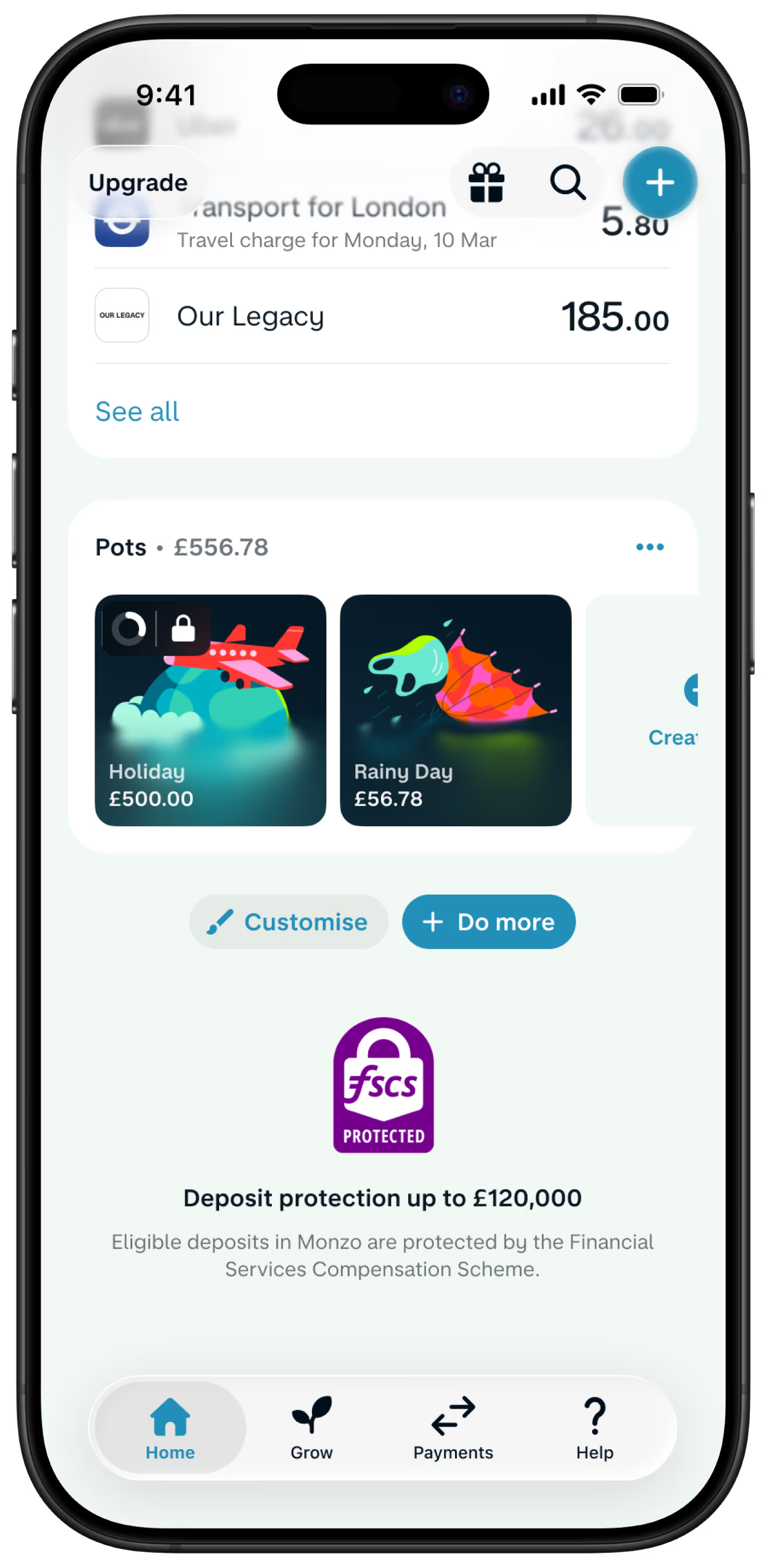
Share your secure Monzo.me link for people to pay you, whether they have Monzo or not.
Payments
Split one-off and ongoing costs with friends. Pay bills. Spend abroad with no extra fees, and send money internationally.

UK residents only. Ts&Cs apply.
The App Store, Google Play Store and Trustpilot ratings are correct as of 27 Apr, 2026.
Pay the way you’re used to – from bank transfers to standing orders – and in new ways too. How you do it is completely up to you.
Share your secure Monzo.me link for people to pay you, whether they have Monzo or not.
Settle up with friends and family in a single tap. Add them to your favourites to see a history of your activity together.

Pull up your personal QR code for people to scan and pay instantly, right there on the spot.

Get money to friends and family overseas. Send popular currencies like EUR, USD, INR and more – directly from Monzo.

Get paid back for one-offs, or create Running Splits for ongoing costs. We’ll work out the maths and keep tabs on who owes what.

Paid the wrong person or entered the wrong amount? Undo it right away.
The undo timer’s set to 15 seconds by default but you can change it to 10 seconds, 30 seconds or 60 seconds. Or turn it off completely.

Say adios to extra fees on overseas spending. We pass Mastercard’s exchange rate directly onto you with nothing on top.
Pay anywhere, in any currency – on your debit or credit card – with no foreign transaction fees or added costs. We pass Mastercard’s exchange rate directly onto you, so what you see is what you pay.

If Monzo's your main bank account, make unlimited fee-free withdrawals in the European Economic Area (EEA), and up to £200 every 30 days anywhere else. After that, we'll charge 3%. See a breakdown of all cash withdrawal limits here.

Plan ahead with our currency converter and see what you're spending with real-time exchange rates in the app. We’ll even send a spending report after your trip.

See how else we can help with the big life steps and safety nets.
Most payments with Monzo arrive instantly because we use Faster Payments. This works for any amount up to £1 million.
Your recipient should see the money within seconds, even if they don’t bank with us.
If you send money to a bank that doesn’t support Faster Payments, or use our ‘undo payments’ feature, it might take a bit longer.
Sending money with Monzo is pain free. Open the app, tap the Payments tab, and pick ‘Pay someone’. Choose who you’re sending to from your contacts or enter their details manually. You’ll need their account number and sort code.
Enter the amount, add a note if you want, and you’re all set. The money usually arrives instantly thanks to Faster Payments.
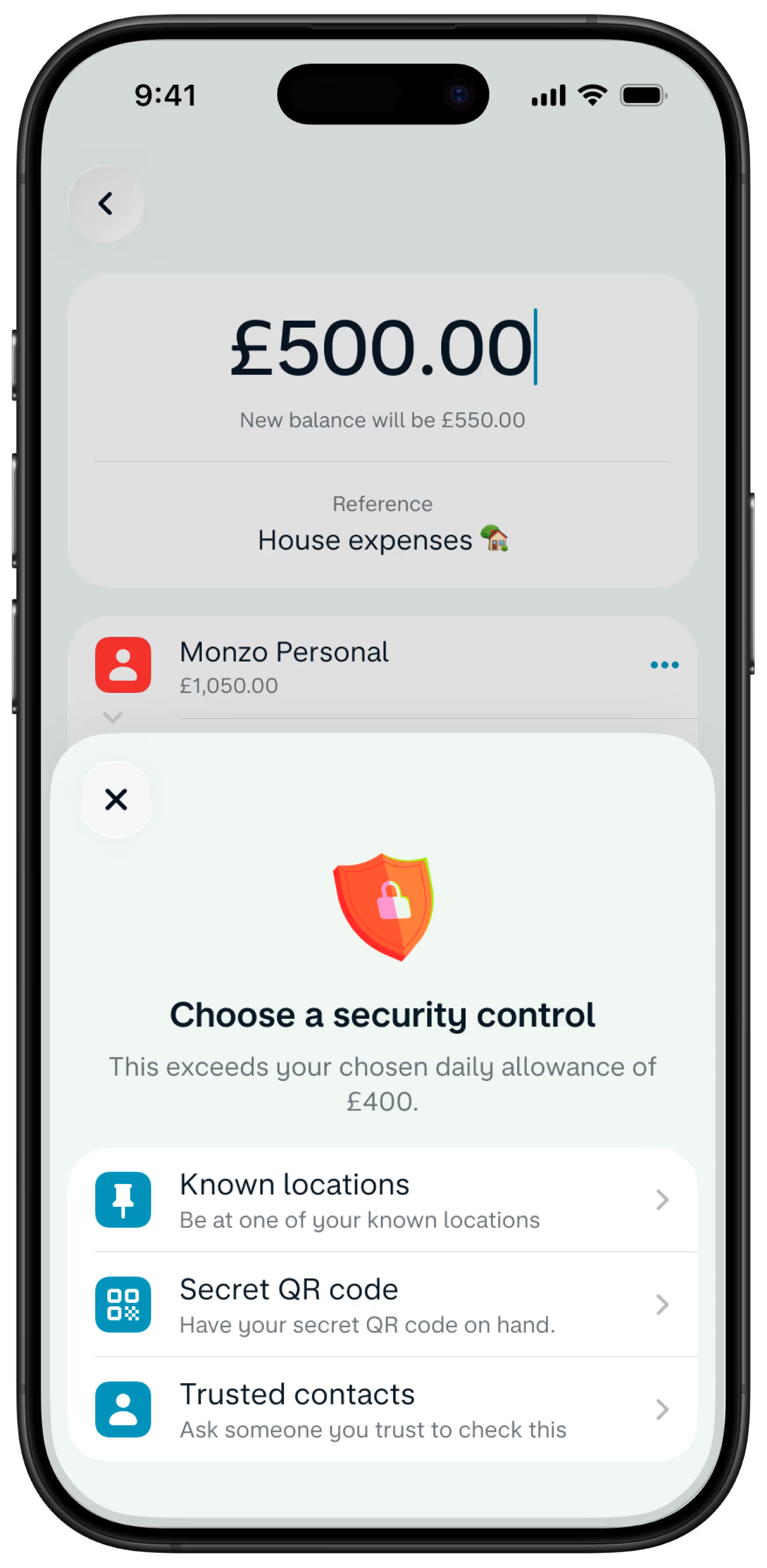
If you’re sending to someone new, we’ll ask you to confirm a few details. It’s a security step to keep your money safe.
You don’t need to do anything special to receive money into your Monzo account. Just give the sender your account number and sort code – you’ll find both in the app under your account details.
They can send you money from any UK bank, and it usually arrives instantly.
If someone’s paying you from abroad, share your IBAN (International Bank Account Number) with them. You’ll find your IBAN in the app next to your account number and sort code.
Nope. Sending money to UK bank accounts with Monzo is free. Receiving money is free too – whether it’s from another UK bank or someone sending you pounds from abroad.
If you’re sending money abroad or getting money in a foreign currency, different fees might apply. You can check out all our fees here.
If someone’s paying you from abroad, share your IBAN (International Bank Account Number) with them. You’ll find your IBAN in the app next to your account number and sort code.
You can cancel a payment with our ‘undo payments’ feature. After you send money, you’ve got 15 seconds to undo it by default, but you can change that to 10, 15, 30, or 60 seconds.
If you’ve sent money to the wrong person or made a mistake, contact them as soon as you can and ask them to send it back.
If you think you’ve been scammed, get in touch with us straight away through the app. We’ll do everything we can to help you get your money back.
To send money, you’ll need the recipient’s:
Full name (just like it shows on their bank account)
Account number (usually 8 digits)
Sort code (6 digits)
That’s all. If they bank with Monzo, you can just pick them from your contacts – we’ll handle the rest.
Use the Current Account Switch Service to close your main current account and move everything over to us. Once you’ve opened an account, tap the '+' sign in the app and find 'Switch to Monzo’.
We move your money, Direct Debits and standing orders over
We redirect incoming payments (including your salary)
We close your other bank account
You choose a switch date and we'll do the rest in 7 working days