Keep an eye on their spending
See your child’s spending in your Monzo app. Turn on instant notifications and we’ll let you know when they spend.
Monzo for Under 16s
The award-winning account that keeps up as they grow up.
No up-front costs, subscription or top-up fees.


Ages 6-15. Parent/Guardian account needed. UK residents only. Ts&Cs apply.
The App Store, Google Play Store and Trustpilot ratings are correct as of 27 Apr, 2026.
From their first solo shopping trip to their first savings account, get them ready for all their money firsts with their own neon card.
Keep an eye on things in your app, set spending limits, and even send them money on a schedule. So they can buy what they need, while you stay in the loop wherever you are.

They’ll earn interest with a savings account, so they’ll see even small amounts add up over time.

They can apply for their own free 16–17s account as soon as they’re old enough. It'll automatically become a full current account when they turn 18.

Finally, something the whole family can agree on.
Help them build saving habits that actually stick. They’ll earn 2.75% AER (variable) interest with a savings account – it’s paid monthly, so they can really watch their money grow.
Whether it’s a big trip or a new hobby, they can set a saving goal to keep them on track.
Plus our optional in-app saving sidekick can celebrate and react to their pennies, pounds and progress as they go.
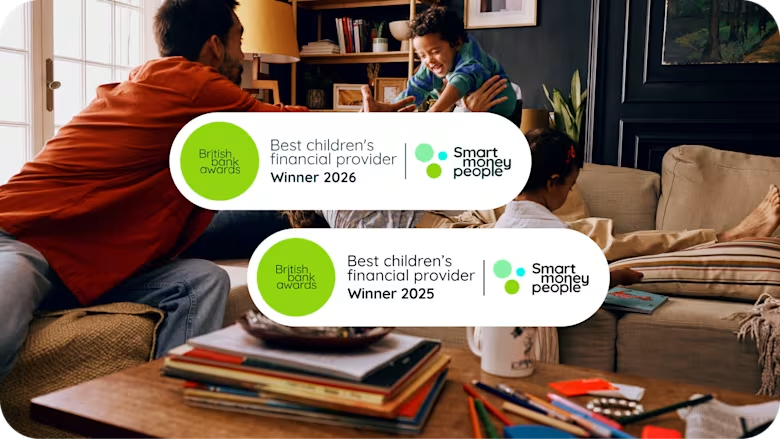
We’ve been awarded Best Children’s Financial Provider by Smart Money People’s British Bank Awards for 2 years in a row, as voted for by customers.
We’re proud to be making money work for the whole family.
Get to grips with money for kids with our handy guides.
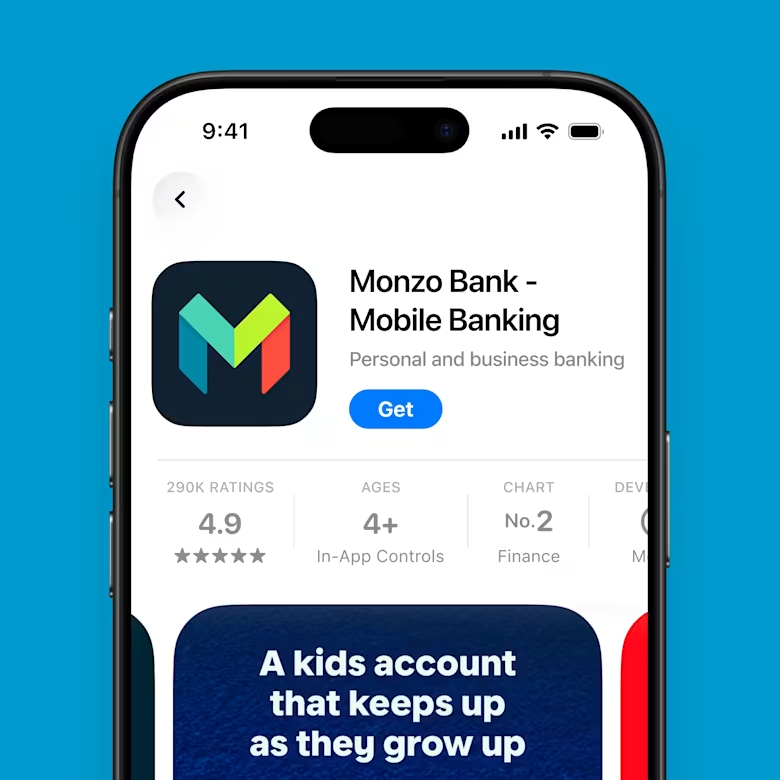
Step 1
Open a Monzo account
You need a Monzo account to apply for Monzo for Under 16s. It only takes a few minutes.
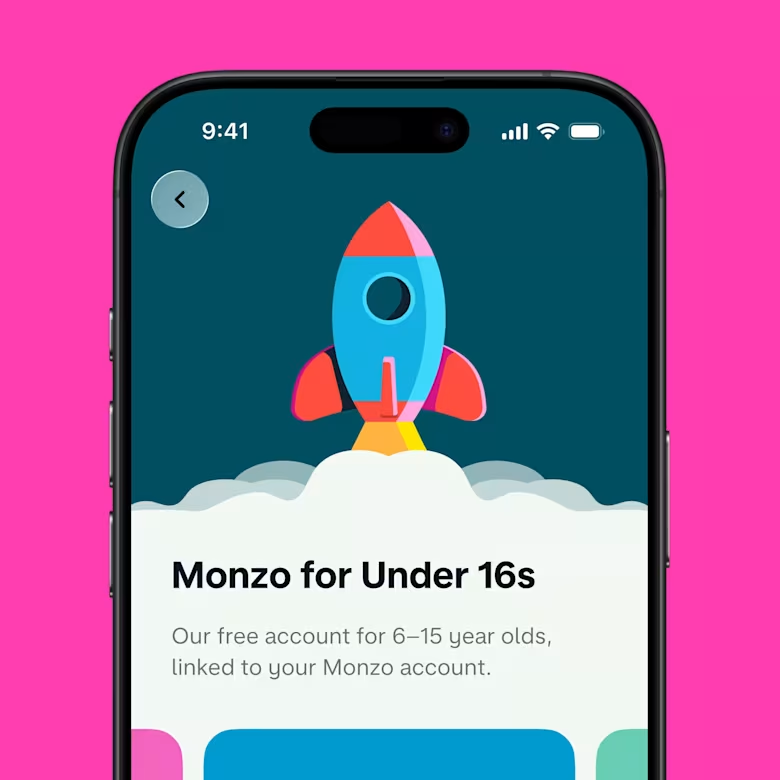
Step 2
Apply for an Under 16s account
In the app, tap ‘+’ in the top right and then ‘Monzo for Under 16s’. Follow the steps and answer a few questions about your child.
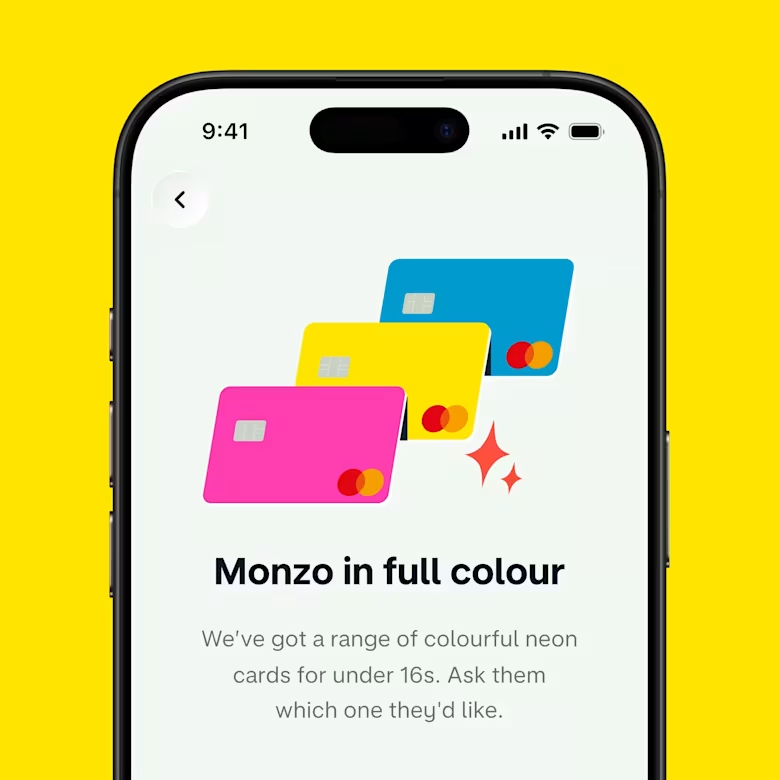
Step 3
Pick their card
Pick the card colour they want and set a PIN. We’ll pop it in the post, then they can start using it within days.
You need to be the child’s parent or legal guardian to create and look after a child account. You can’t set up an account as an extended family member, younger sibling or friend.
You need our current account first – if you don’t already have one, you just need some photo ID to apply. Available to UK residents only. Ts&Cs apply.
Once your current account is ready, you can open an Under 16s account. Then just answer a few questions about your child, including their date of birth and address. Make sure you give their correct date of birth – we may ask you to verify this at a later date.
Yes – once you set up the account, you’ll be able to invite an additional family member to help with your Under 16s accounts. Family members can see the child’s spending, send money, and even freeze cards. Family members need to have their own Monzo current account, be closely related to the child and over the age of 18.
Yes, you can edit their daily spending limit in your app. You can also use customisable controls to turn cash withdrawals and online payments on or off.
Your child can set up Apple Pay or Google Pay when they turn 13.
Under 16s earn 2.75% AER (variable) interest on their savings. It’s calculated daily (and paid monthly), so they’ll see even small savings add up over time.
Any interest earned on savings belongs to the main parent or guardian responsible for the account. This means the interest will normally count towards their taxable income. Not everyone pays tax on interest, for example if you have Personal Savings Allowance remaining. Monzo isn't able to give tax advice, but you can check the government website or speak to a tax professional if you're unsure.
You can freeze their card in your Monzo app, or your child can freeze it if they have the app. If it turns up (in that pocket!), you can defrost it the same way. If it’s lost or stolen, you can order a replacement for them for £5 in the app.
Your child can use their Under 16s account until their card expires - even after their 16th birthday. We’ll cancel their card when they turn 18.
They can choose to apply for a free 16–17s account anytime after they turn 16. Or they can wait and apply for our adult current account when they're 18.