Free yourself from payday admin
Spend less time shuffling money around and more time enjoying the best day of the month. We’ll handle the to-ing and fro-ing.
Salary Sorter
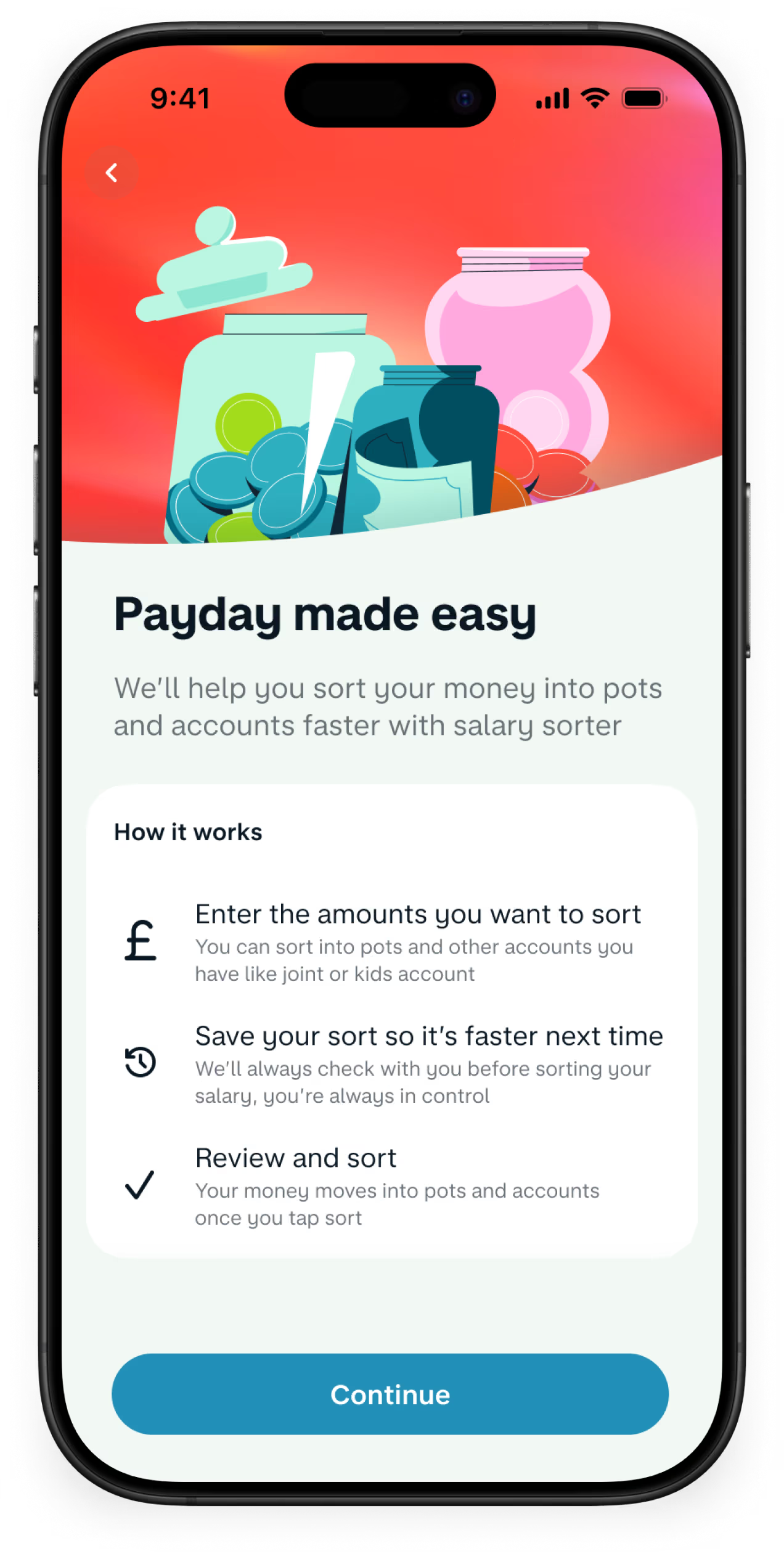
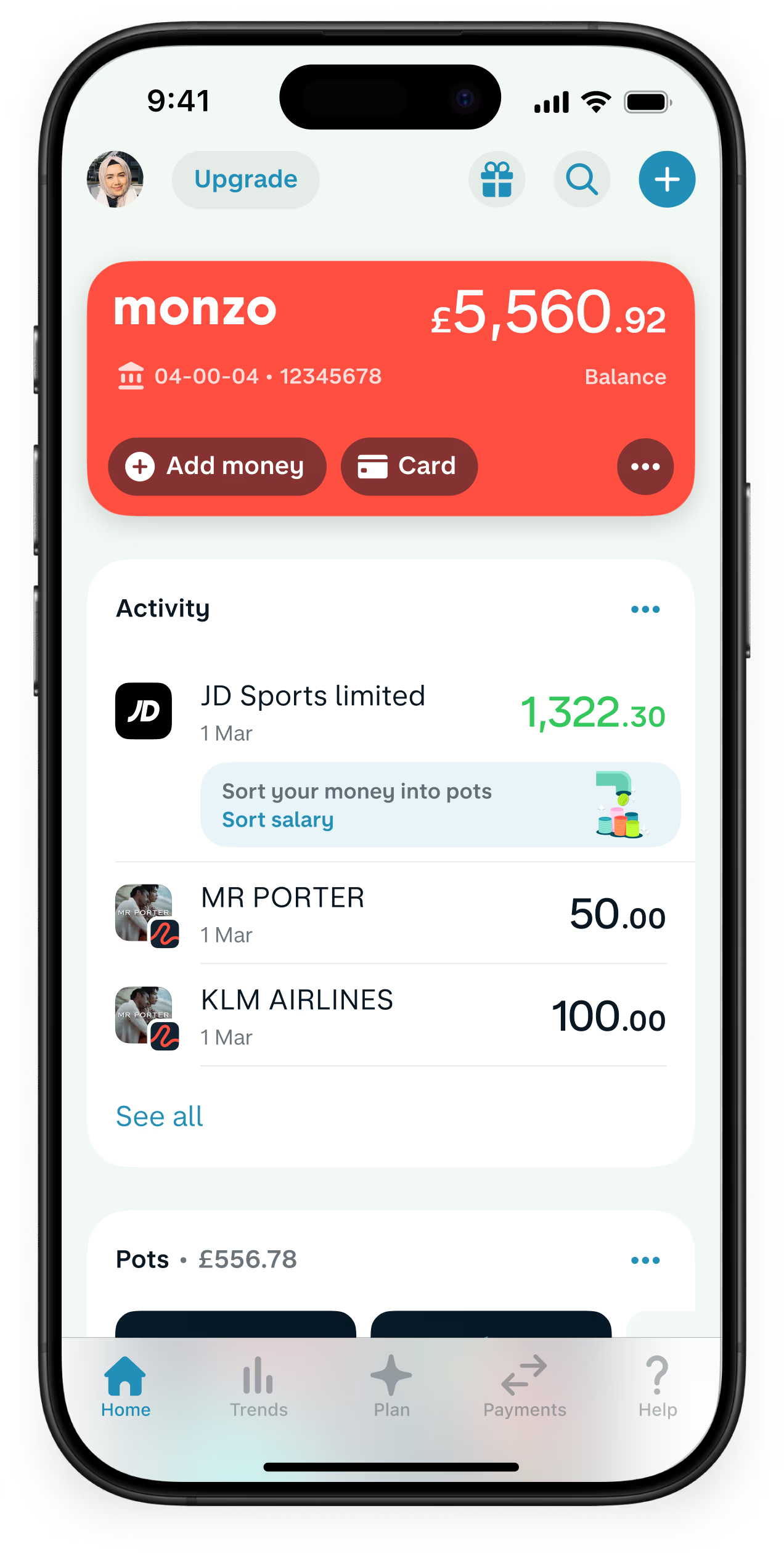
Salary Sorter moves your salary or student loan into separate Pots for bills, spending and whatever else you need to budget for.

UK residents aged 16+. Ts&Cs apply.
The App Store, Google Play Store and Trustpilot ratings are correct as of 27 April 2026
Use Salary Sorter to divide up your income as soon as you’re paid. Set it up once, and we’ll take it from there.

24/7 support
You can speak to us through our in-app chat – whenever, wherever. We're here for you 24/7.
Deposit cash and cheques
Add cash to your account at any PayPoint or Post Office (£1 per deposit), and pay in cheques via the app.
No hidden fees
Our current accounts are free and we don’t charge monthly fees or surprise you with hidden costs.
FSCS protected
Your eligible money in Monzo is protected by the FSCS up to £120,000 per person.

24/7 support
You can speak to us through our in-app chat – whenever, wherever. We're here for you 24/7.
Deposit cash and cheques
Add cash to your account at any PayPoint or Post Office (£1 per deposit), and pay in cheques via the app.
No hidden fees
Our current accounts are free and we don’t charge monthly fees or surprise you with hidden costs.
FSCS protected
Your eligible money in Monzo is protected by the FSCS up to £120,000 per person.
Step 1
Open a free Monzo account
It takes just minutes to apply, and comes with innovative features to help you manage your money.
Step 2
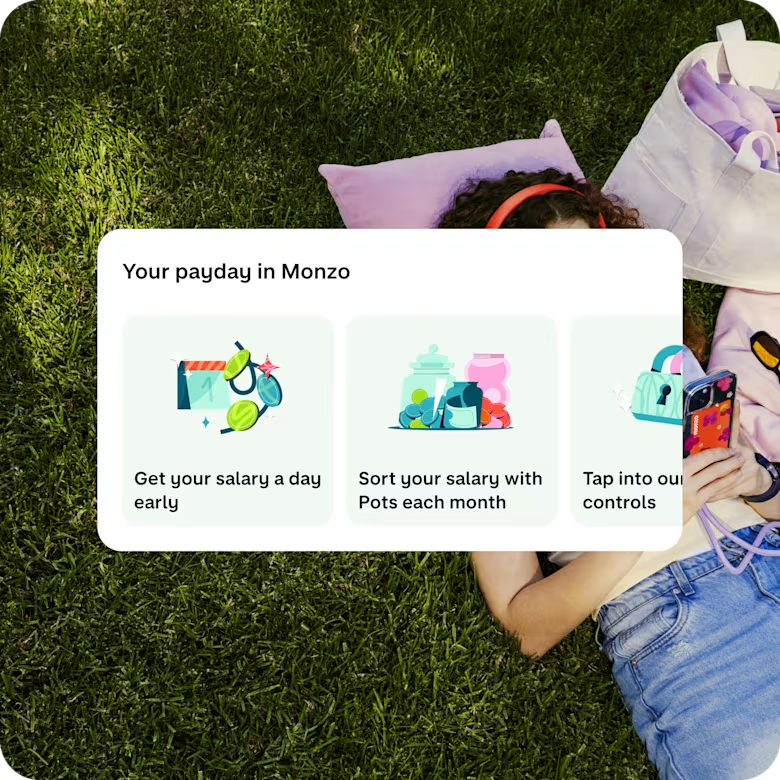
Get your salary paid in
You can add your salary when you sign up. Or you can switch fully to Monzo using the Current Account Switch Service.
Step 3
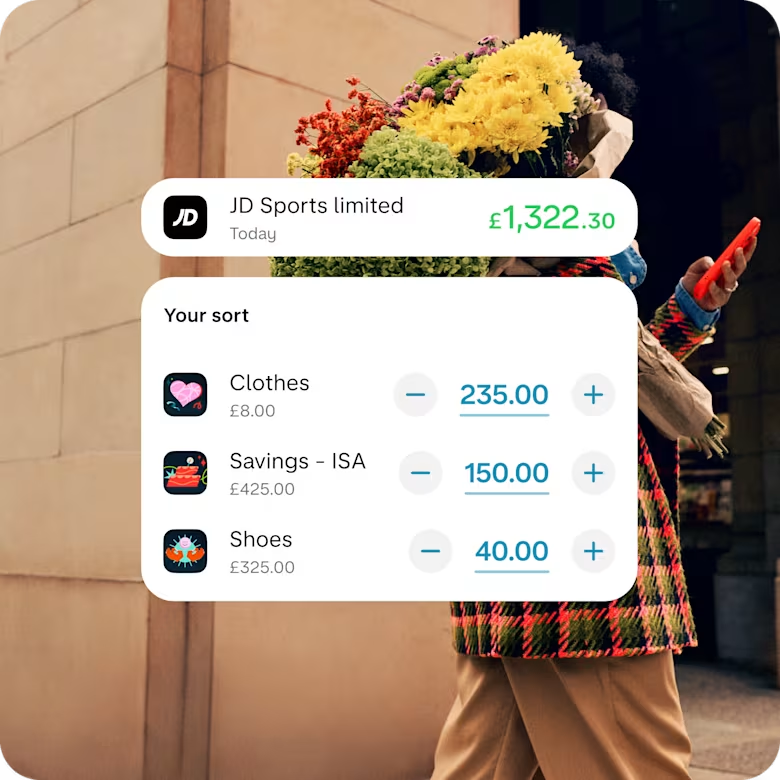
Set up your salary sort
Look out for the prompt in the app when your salary lands in your account
Salary Sorter helps you divide up your spending, bills and savings to suit you, all in one convenient place and without leaving your Monzo account.
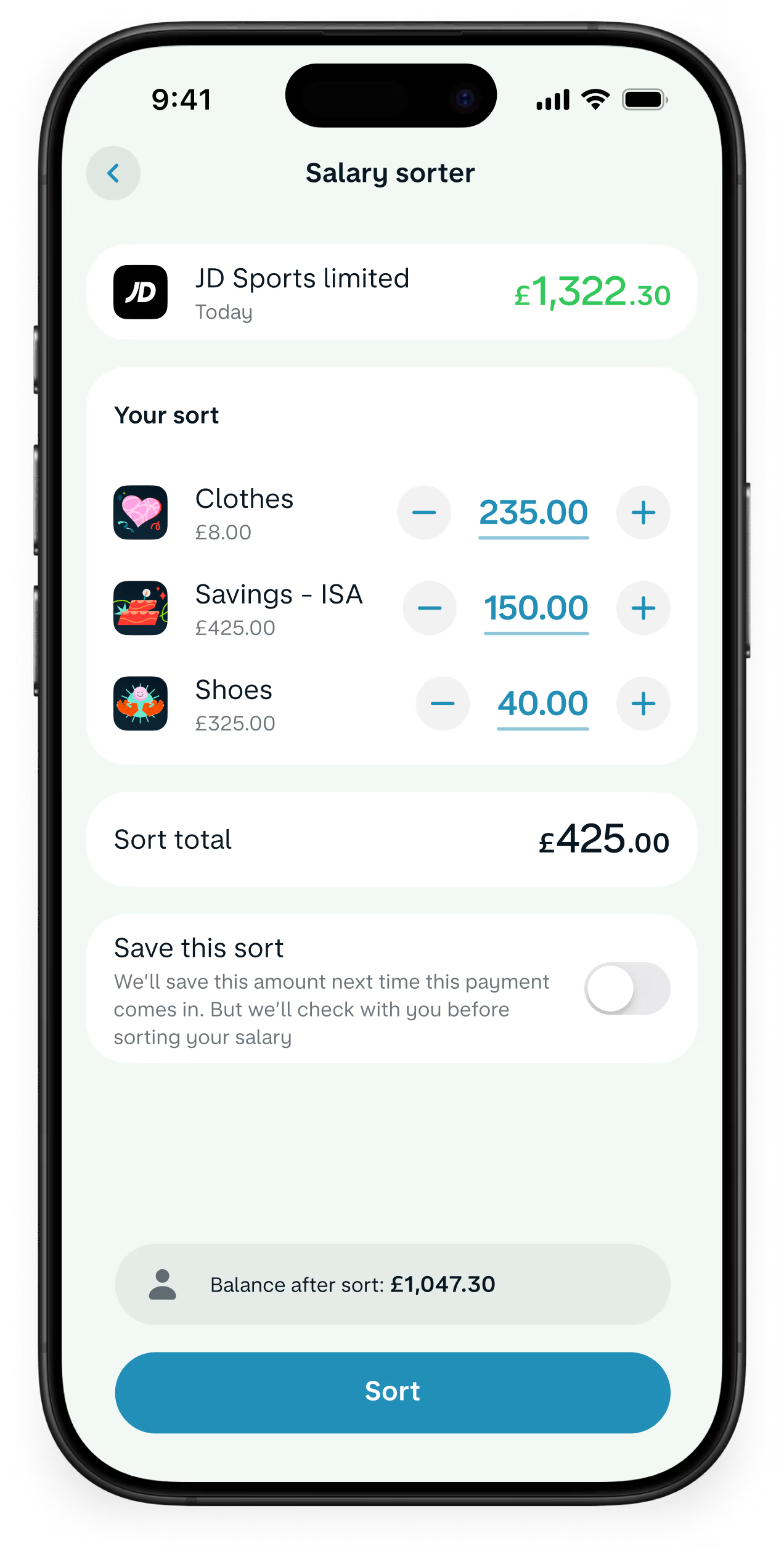
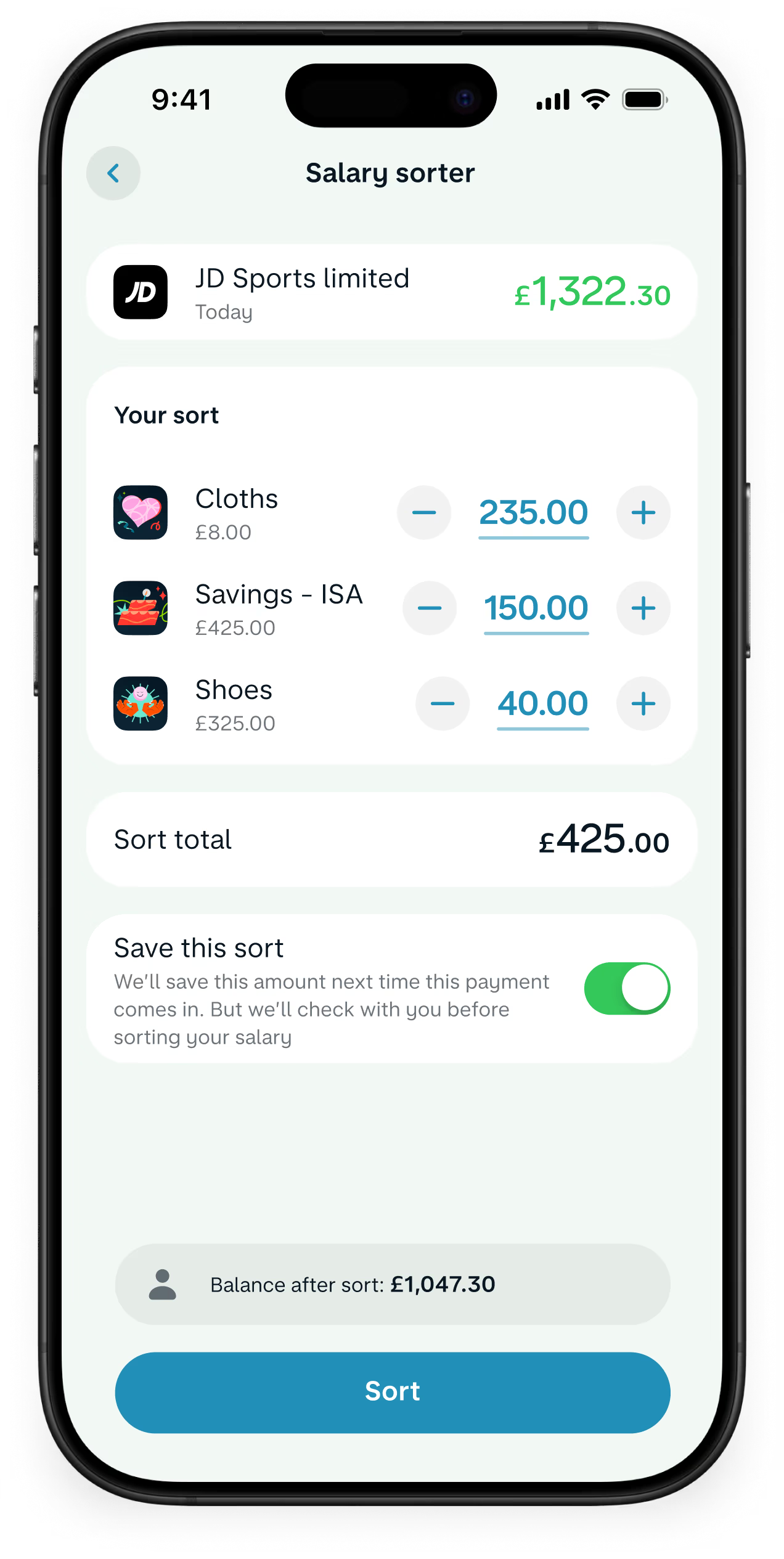
If you received a £1,600 payment, for example, you could put £700 straight into your rent Pot, £400 towards bills and subscriptions, £100 into your savings and keep the remaining £200 in your current account as spending money. Save your preferences and we'll apply the same sort automatically the next time you use Salary Sorter.
Simply tap the payment once it arrives in your account and select Salary Sorter.
You can use Salary Sorter on any payments into your account that are over £100. You don’t need to fully switch bank accounts to use it.
Yes. You’ll see an option to remember your Salary Sorter preferences when you’re paid from the same sender again. Just check the details are right, or edit the amounts if you want to, and we’ll sort out your money for you.
Yes. Tap the payment once it arrives in your account, then edit or reset the amounts by using + and –, or press and hold the amount to type an exact figure.
Use the Current Account Switch Service to close your main current account and move everything over to us. Once you’ve opened an account, tap the '+' sign in the app and find 'Switch to Monzo’.
We move your money, Direct Debits and standing orders over
We redirect incoming payments (including your salary)
We close your other bank account
You choose a switch date and we'll do the rest in 7 working days