Pay suppliers in over 40 currencies
Whether your suppliers need USD, EUR, NZD or GBP, you can pay them in their local currency. See the full list of currencies that you can send.
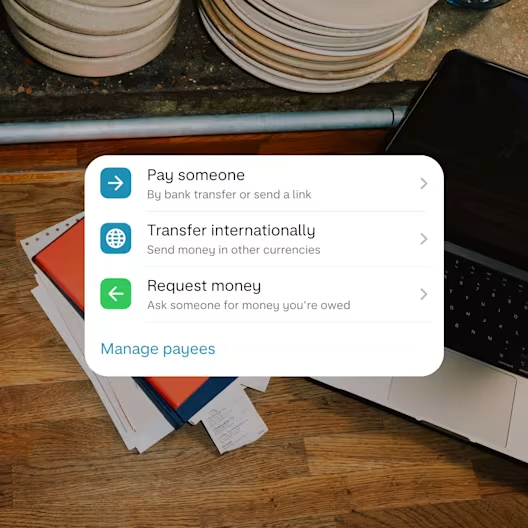
Send and receive business payments from across the world in a few taps. Pay your suppliers and staff overseas with clear fees and competitive rates.

Only sole traders and limited company directors in the UK can apply. UK residents only. Ts&Cs and limits apply.
The App Store, Google Play Store, and Trustpilot ratings are correct as of August 2026.
Send speedy payments all around the world.
Whether your suppliers need USD, EUR, NZD or GBP, you can pay them in their local currency. See the full list of currencies that you can send.
Over 70% of our international bank transfers arrive in seconds. And you’ll get a personalised estimate on when your money should land before you send it.

We’ll show you exactly how much it’ll cost upfront (the exchange rate plus any fees) before you tap ‘send’. See an overview of our fees.

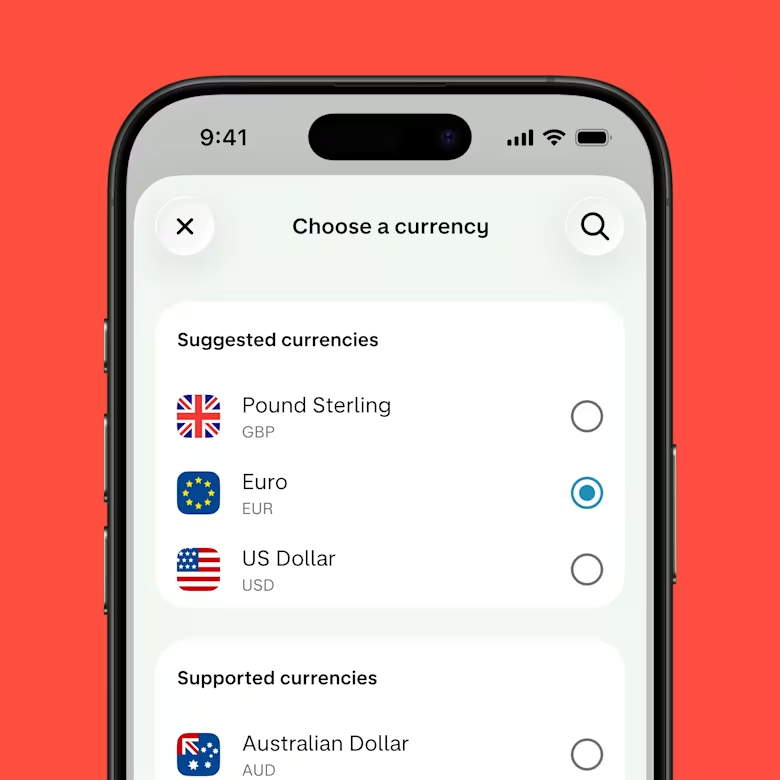
Step 1
Select your currency
40+ currencies to pick from.
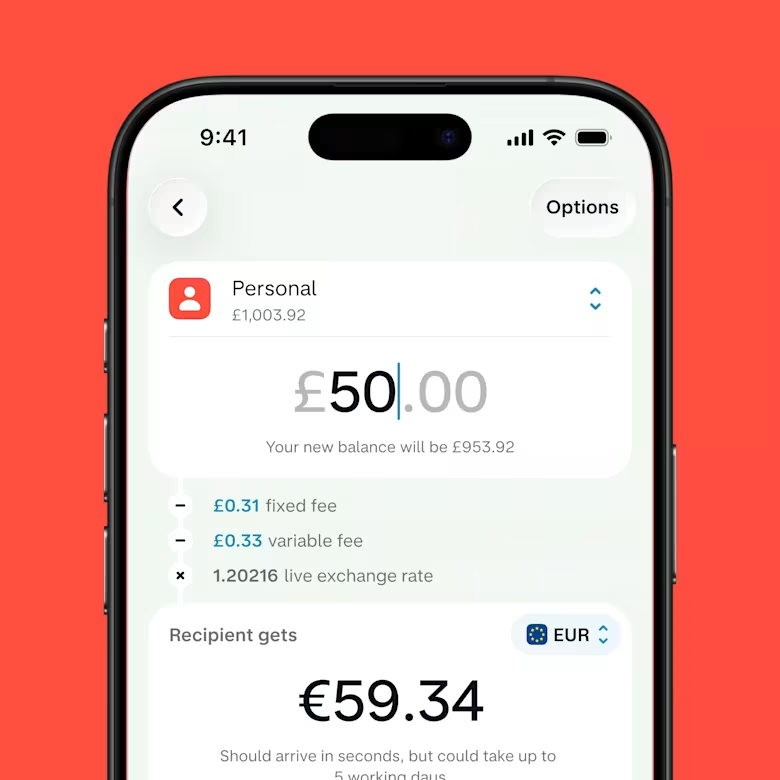
Step 2
Enter the amount and see your rate
We’ll show you exactly how much it’ll cost upfront - no hidden surprises.
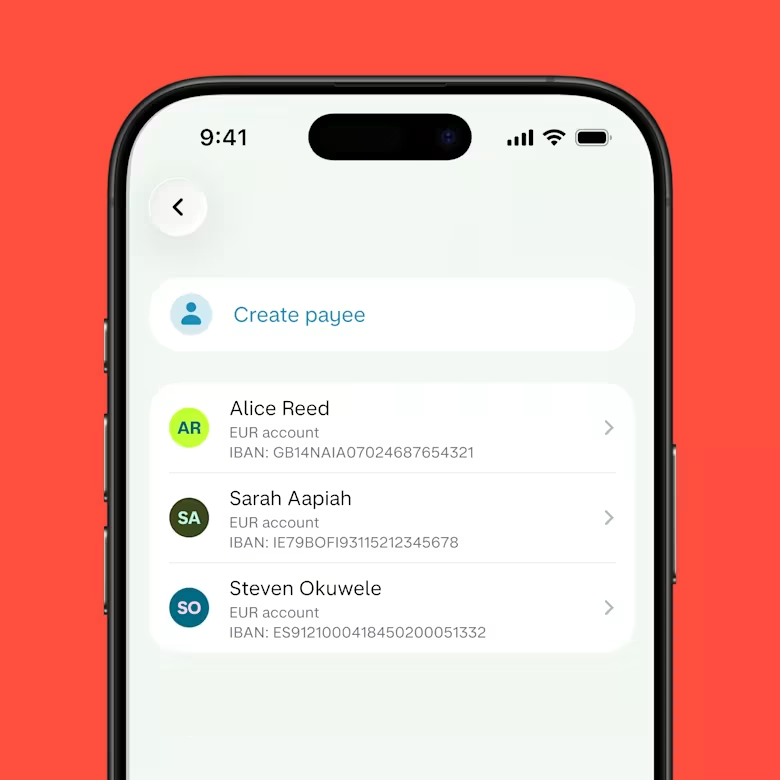
Step 3
Pick your payee
Choose from saved payees or enter the details for someone new.
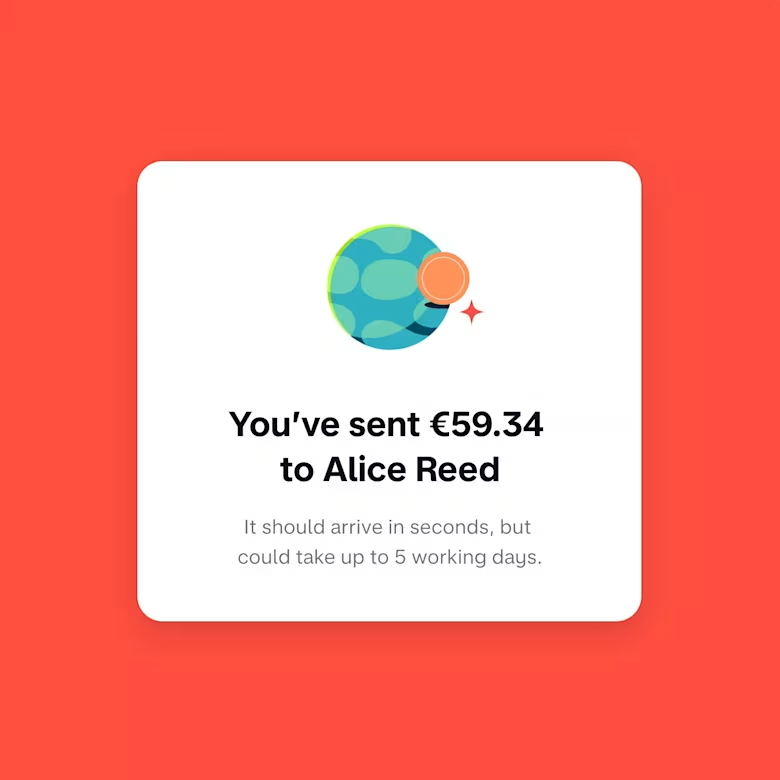
Step 4
Confirm and send
You’ll get a personalised estimate on when your money should land just before you send it.
When you get paid in a different currency, we convert it to pounds before it lands in your account. We charge a 1% fee for this, but never more than £1,000 per payment.
Just share your IBAN (International Bank Account Number) and the name the account’s in with whoever’s sending you money. You’ll find your IBAN in the Monzo app, right next to your sort code and account number.

90% of accounts are open for business the same day. Apply online or contact sales today.
Let the Current Account Switch Service (CASS) make your move smooth. When your account’s open for business, head to the app, tap the '+' icon and then 'Switch to Monzo’.
We move your money, Direct Debits and standing orders over
We redirect incoming payments (including your salary)
We close your other bank account
You choose a switch date and we'll do the rest in 7 working days

All you need to do is share your IBAN (International Bank Account Number) and the name the account’s in with whoever’s paying you. You’ll also need the BIC/Swift code. That’s it. You’ll find your IBAN and BIC/Swift code in the app right next to your account number and sort code.
To send international payments, select your currency, enter how much you’d like to send and who you’re sending the money to. The details you need to send money overseas depends on the country you’re sending it to.
Check over all the fees and conversion rates, then tap send. You need to be aged 18 or over to send international payments.
The fee we charge for sending money abroad is made up of a fixed amount and a variable amount. This depends on where you’re sending the money and in what currency. The fixed amount will be no more than £9 and the variable amount will be between 0% and 1.80%. See a real-time breakdown of our fees for sending money abroad. We use a third-party exchange rate that is usually the mid-market rate. You’ll always see the exchange rate and the exact charge which will apply in your app before making an international payment.
When you make an international payment, it should arrive in seconds. Over half of our international bank transfers do, but exact timing can vary depending on where you’re sending money and which currency you’re using. Transfers to countries using the SWIFT network can take up to 3 to 5 working days. When you send the money, we’ll give you an estimate of when it should land in your client’s account.
Monzo Business offers integrated accounting, so you can connect software from Xero, FreeAgent, Sage and QuickBooks. We’ll sync all your transactions, including international transactions in GBP amounts. We convert foreign currency payments in accepted currencies to GBP before the money appears in your account. We charge a 1% conversion fee, with a fee cap of £1,000 per transaction. Integrated accounting is available with Pro and Team, which start from £9 a month. Ts&Cs apply.