Humans on hand
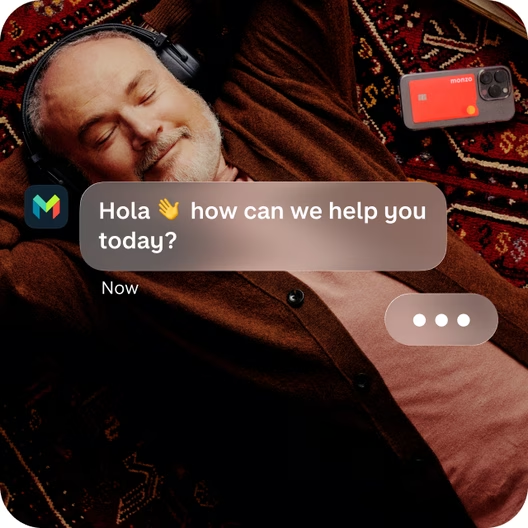
Talk to a real person 24/7 if something urgent comes up. Chat to us in-app whenever you need us.
Monzo Bank Europe DAC, Sucursal en España registered with Banco de España is a member of the Irish Deposit Guarantee Scheme. The scheme guarantees deposits up to 100,000 euros per customer at Monzo.
Money management
You don’t need to be an accountant to be good with money. See it, sort it, spend it. Monzo gives you simple, intuitive tools that make staying on top of your money feel almost effortless.

No account maintenance fees. 0% AER, 0% NIR. See a list of the main services associated with a payment account and Fees and Charges.
Ratings and customer figures shown relate to our UK customers. The App Store, Google Play Store and Trustpilot ratings are correct as of 27 October, 2026.
Want to manage what you spend on monthly food shopping? Or separate your Renfe money from your tapas fund? Pots make budgeting easy. Create up to 20 to keep your money in order.

Connect your other accounts to Monzo so you can track all your balances, spending and payments in one place.
Then use Trends to see your finances more clearly across accounts – and track how your money habits change over time.

Create your own categories to group your spending in a way that suits you. Making it simple to track your spending on taxis, coffees, takeaways – you name it (literally).
You can even give each of your custom categories its own icon and colour.

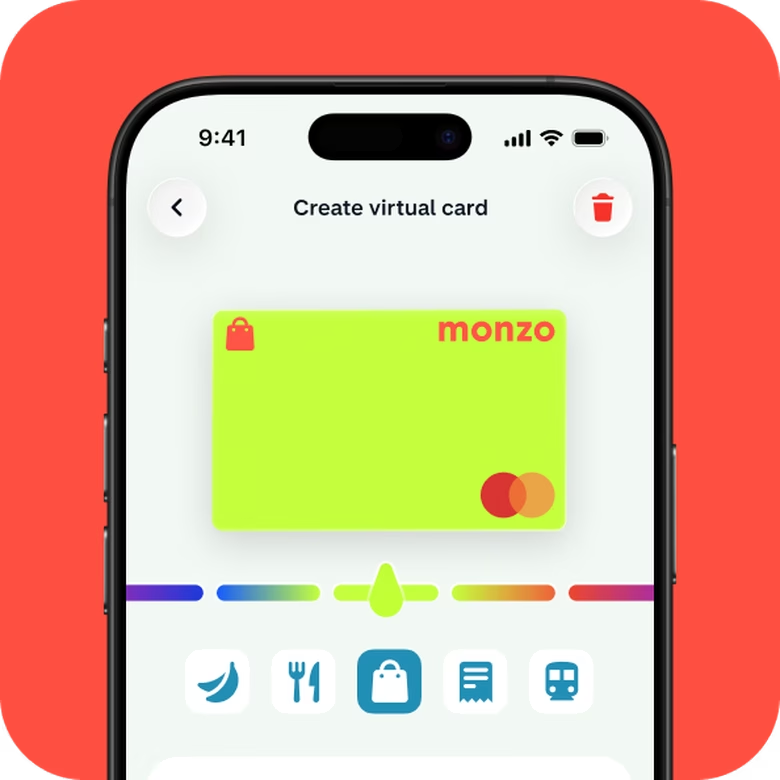
Extra cards you can create and delete as you like for budgeting and safer online shopping.
Only want to spend a certain amount on flat whites this month? Create a ‘Takeaway Coffee’ Pot, add some money and link a virtual card to it. Once the Pot runs dry, you’ll know you’ve hit your limit.
Monzo has 16 million customers across the UK and Ireland. Now we’re working with people in Spain to build a bank around how life really works here.
Talk to a real person 24/7 if something urgent comes up. Chat to us in-app whenever you need us.
Our first Spanish customers have told us what matters to them. Now we’re creating a bank that makes everyday life feel easier.
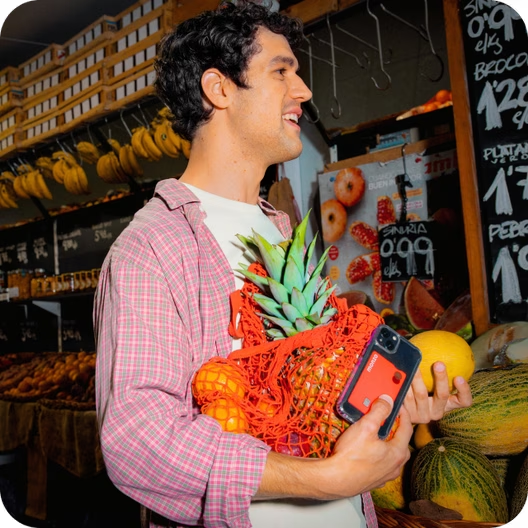
Based in Barcelona and Madrid, our Spanish team is working on bringing a new kind of bank to Spain.


Take some of the work out of managing your money. Automate your bills and turn spare change into savings with round ups.
Instant notifications
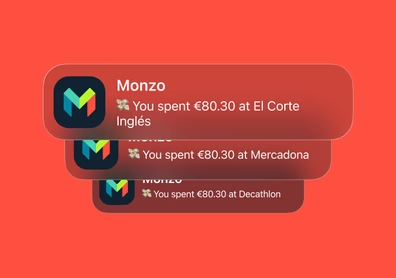
Turn on instant notifications so you can see your spending in real time.
Keep your bills money separate
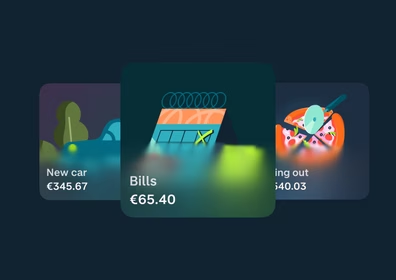
Separate your bills money from your groceries by creating different Pots for different spending needs.
Automate your bills
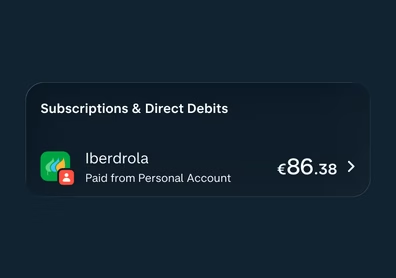
Set up Direct Debits and standing orders to be taken from your balance automatically.
Round up spare change
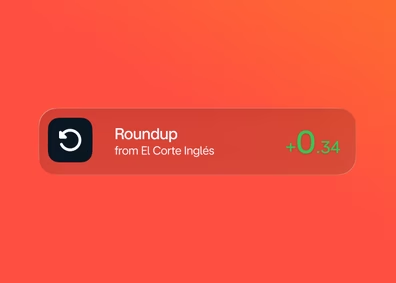
Turn on roundups, and any time you spend more than €1, we’ll round up the change to the nearest euro and pop it in a Pot of your choice.
Take some of the work out of managing your money. Automate your bills and turn spare change into savings with round ups.
Instant notifications
Turn on instant notifications so you can see your spending in real time.
Keep your bills money separate
Separate your bills money from your groceries by creating different Pots for different spending needs.
Automate your bills
Set up Direct Debits and standing orders to be taken from your balance automatically.
Round up spare change
Turn on roundups, and any time you spend more than €1, we’ll round up the change to the nearest euro and pop it in a Pot of your choice.
Get a clearer view of your spending across all your bank accounts. Track how much you're spending by category over time, set spending targets, and see when you're over or under budget.

We asked thousands of Spanish customers what they want from their bank. Then we built it. No account maintenance fees.
Step 1
Open a free Monzo account
It takes just 15 minutes to apply, and comes with innovative features to help you bring your financial world together in one place.
Step 2
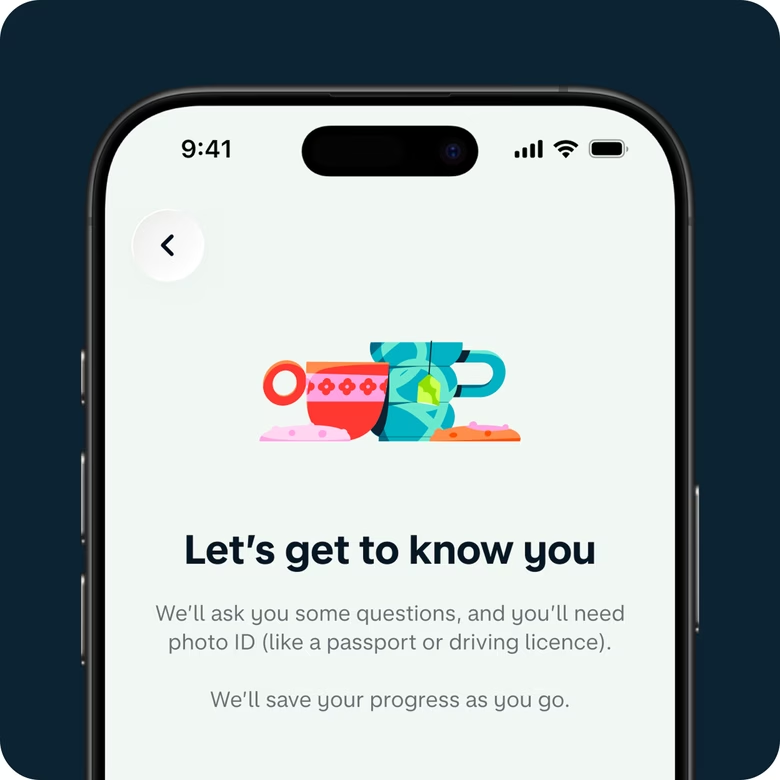
Fill out a few questions
We'll ask you some questions to help us set up your account, but there's no lengthy paperwork to fill in. In fact, it only takes a few minutes.
Step 3
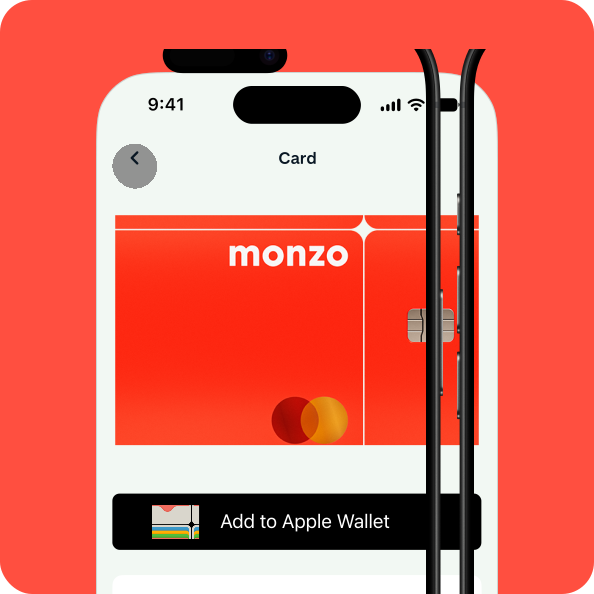
Add your Hot Coral card to your digital wallet
Once your account's open, you can start using your card straight away with your digital wallet.
Monzo gives you simple tools to help you see, sort, and spend your money:
- Spending categories — see where your money goes, and create your own custom categories with icons and colours
- Trends — track how your spending habits change over time
- Pots — set money aside for different goals (you can create up to 20)
- Round-ups — automatically round up your spare change from card payments and pop it into a Pot
- Virtual cards — create extra cards for budgeting and safer online shopping
- Account linking — connect your other bank accounts to see all your balances and spending in one place
Yes, you can connect your other bank accounts to Monzo so you can track all your balances, spending, and payments in one place. Then use Trends to see your finances across all your accounts.
Turn on round-ups, and any time you spend more than €1 on your card, we'll round up the change to the nearest euro and pop it into a Pot of your choice.
Yes, you can create your own categories to group your spending in a way that suits you, like taxis, coffees, or takeaways. You can even give each category its own icon and colour.
Virtual cards are extra cards you can create and delete as you like. You can link one to a Pot for a specific type of spending, for example, a "Takeaway Coffee" Pot. Add some money, link a virtual card to it, and once the Pot runs dry, you know you've hit your limit. They're also great for safer online shopping, since you don't share your main card number.
Yes, you can set up Direct Debits and standing orders to be taken from your balance automatically, so you don't have to think about them.